 Free install on Shopify
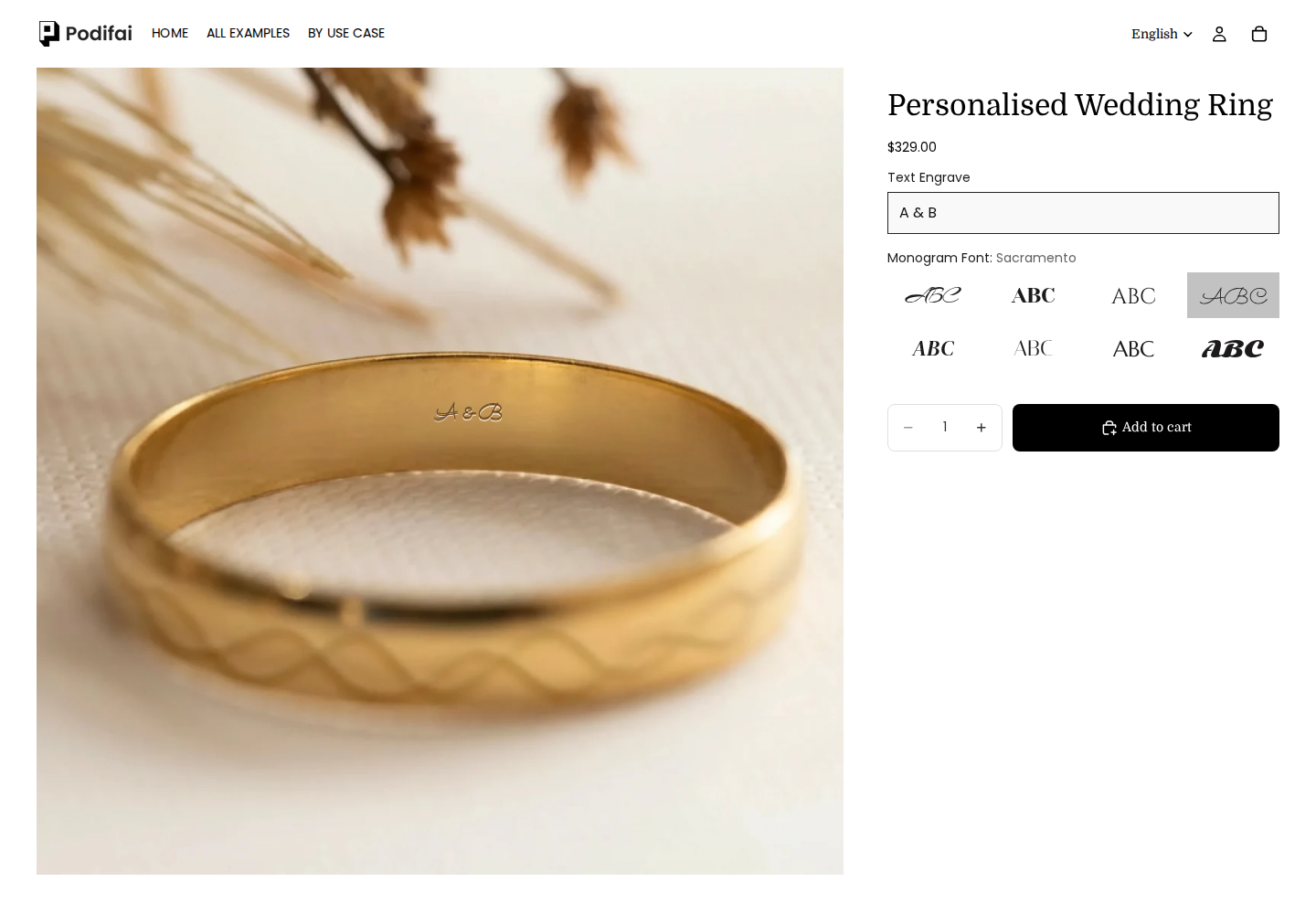
Engraved wedding ring
Enter a short message and compare the offered fonts. Check small lettering on mobile as well as on desktop.
Try engraved wedding ring ↗Follow the ring engraving setupConfigure engraved rings, charm jewelry, birthstone pieces, and monograms with product options, price add-ons, and a layered 2D preview.
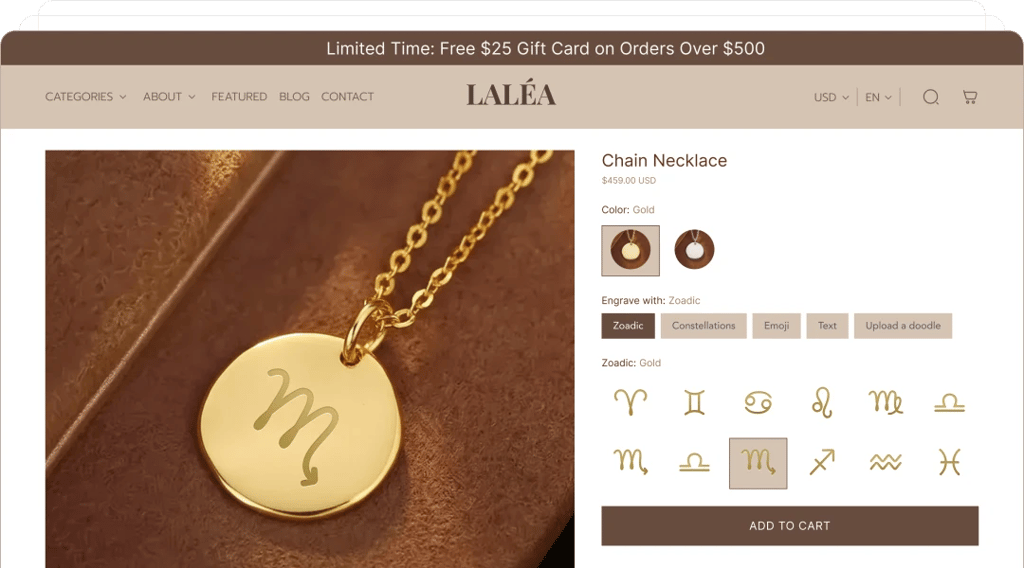
Try the storefront
Engraving, monograms and charm assembly need different fields and fulfillment instructions. Try the relevant product, then follow its setup guide.
Enter a short message and compare the offered fonts. Check small lettering on mobile as well as on desktop.
Try engraved wedding ring ↗Follow the ring engraving setup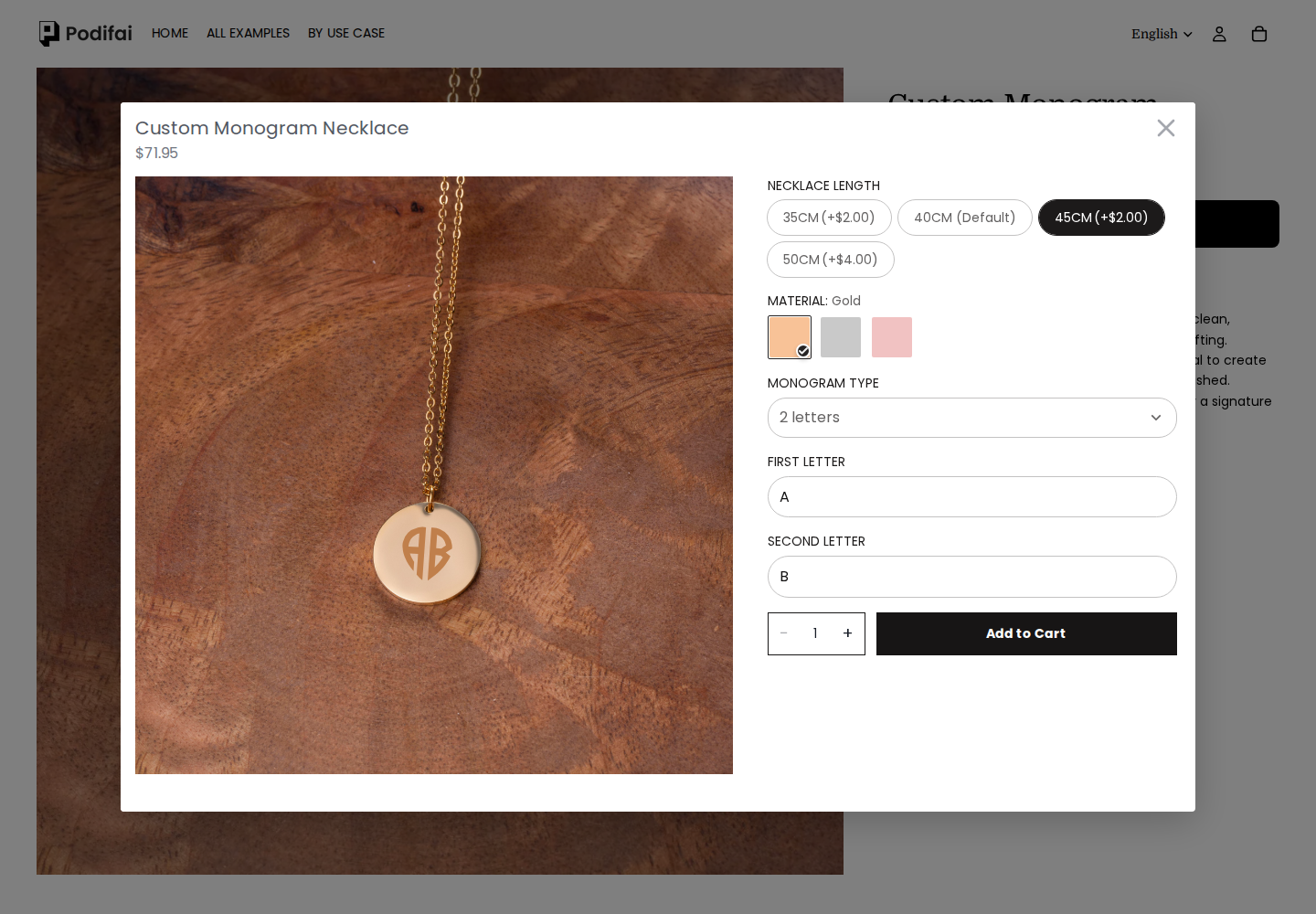
Choose two initials, change the material, then compare chain lengths and their displayed add-ons.
Try monogram necklace ↗Set up monogram fonts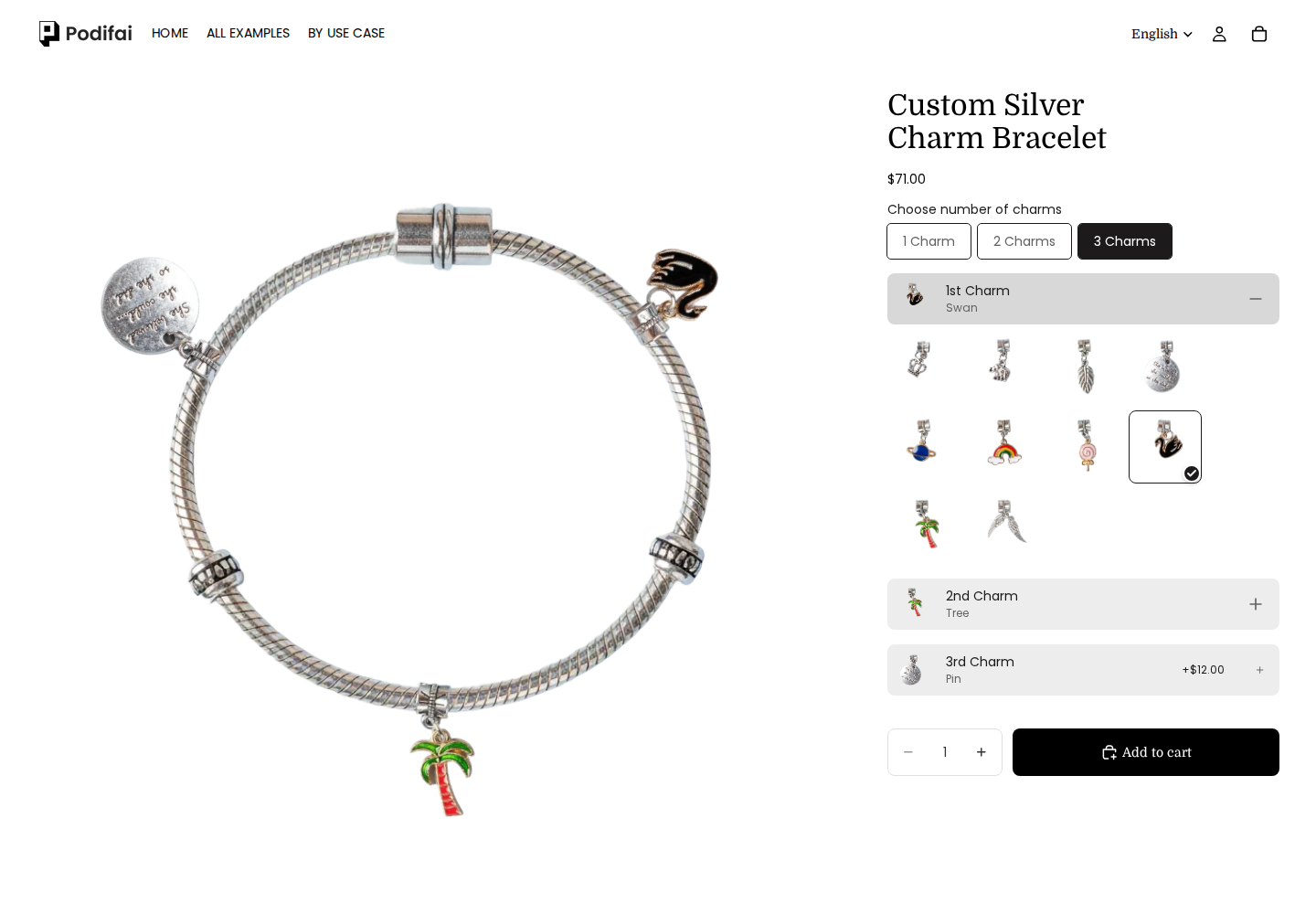
Choose a charm count, open each position and change its charm. For a catalog that shoppers can reorder, follow the sequential multi-select setup guide.
Try charm bracelet with fixed positions ↗Configure sequential multi-select charmsCustom name necklaces, custom earrings, custom bracelets, custom engraved jewelry and more. Multiple fonts, symbols, and effects help you stay on-brand while making personalization effortless.

Custom Silver Charm Necklace

Custom Dumbbell Necklace

Personalised Wedding Ring

Custom Zodiac Necklace
From monogram engraving and curved text to charm builders and conditional logic, you can design complex personalization flows without any custom code.
Add custom text with smooth curvature, fonts, and sizing. Preview updates instantly.

Show or hide options based on customer selections. Create intelligent product flows without coding.

Show supported text and option artwork on a layered 2D product preview as the shopper changes their choices.

Dive deeper into jewelry customization with market data, free tools, and design inspiration.
Top Shopify stores selling personalized rings, pricing data, and customization tools adoption.
Revenue rankings and design trends for personalized necklace brands on Shopify.
Browse real product pages for engraved jewelry, birthstones, zodiac, and custom charms.
Create product mockups for jewelry listings without leaving your browser.
Side-by-side breakdown of Podifai vs Kickflip, Customily, Globo, TeeinBlue, and Zepto.
Start free with 3 custom products; paid plans start at $7.9/month.
Map text, uploads and prepared option images to a layered 2D canvas. Use Multiple Views for separate configured surfaces. Check text length, contrast and placement on your actual product.
Preview setupAdd a representative configuration to the cart and check selected values, charges and its preview link. Before launching your store, place a test order and inspect the saved configuration used by fulfillment.
Review order detailsWhen enabled, print-ready generation exports included text and customer uploads as a transparent PNG per customized view. Product backgrounds and Image Swatch artwork are excluded. Use charm selections and the final preview for assembly; engraving machines may need separately prepared artwork.
Check PNG contents and settings
Start free with 3 custom products; paid plans start at $7.9/month.


