 Free install on Shopify
Inline customizer
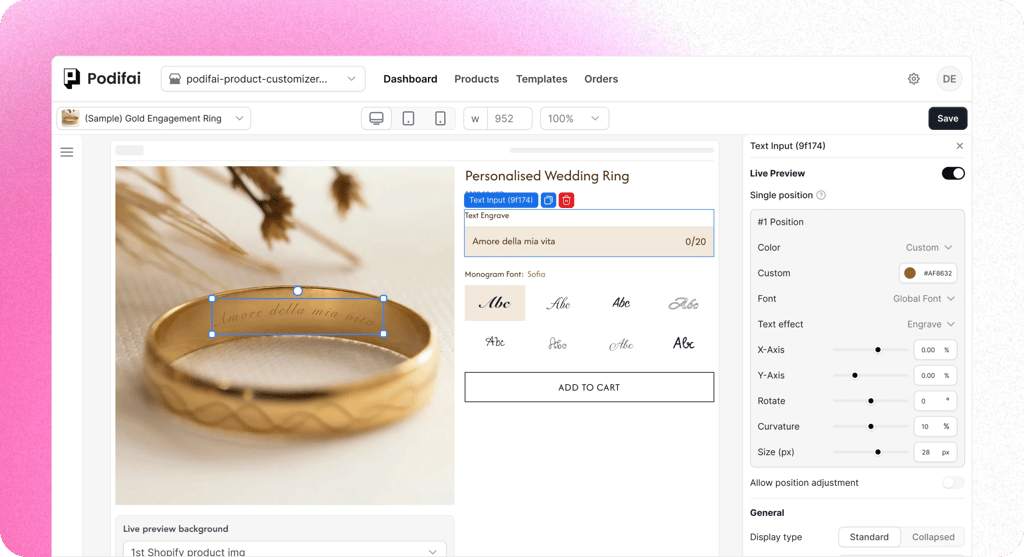
Keep options directly on the product page for shorter configurations and immediate interaction. Inline placement depends more on the theme's product-gallery structure.
Every custom option updates the product image instantly. Show names, charms, colors, uploads, and engravings before checkout.
Direct answer
Use this page as the canonical hub for Shopify product customizer searches that need real-time product preview. Podifai maps shopper inputs like names, uploads, colors, fonts, and charms onto the product image before the order is placed.
Why live preview
Without a preview, shoppers must translate option labels into a mental picture. A layered 2D preview shows the current configuration before checkout.
Option labels leave room for interpretation

More combinations than product photos
Eight fonts, six colors, and three placements create 144 combinations. Static photos cannot show every possible selection.

Customers can't picture the final product
Gold chain, emerald pendant, script engraving. They've never seen those three together. Without a live preview, they're buying on hope.

Custom details need confirmation
Names, dates, uploads, colors, and placement choices are easier to check when shoppers can review them together before ordering.
Show the configured 2D view
Real-time 2D composition
Supported text, image, upload, font, color, and charm selections update one layered product preview.
Selections saved with the order
The preview reflects supported choices, and the selected customization details are saved with the Shopify order.
Clearer review before checkout
Shoppers can review the current 2D configuration before checkout instead of relying only on option names.
Pick a zodiac sign and see it appear on the pendant instantly. Customers choose their sign, preview the result, and buy with confidence.
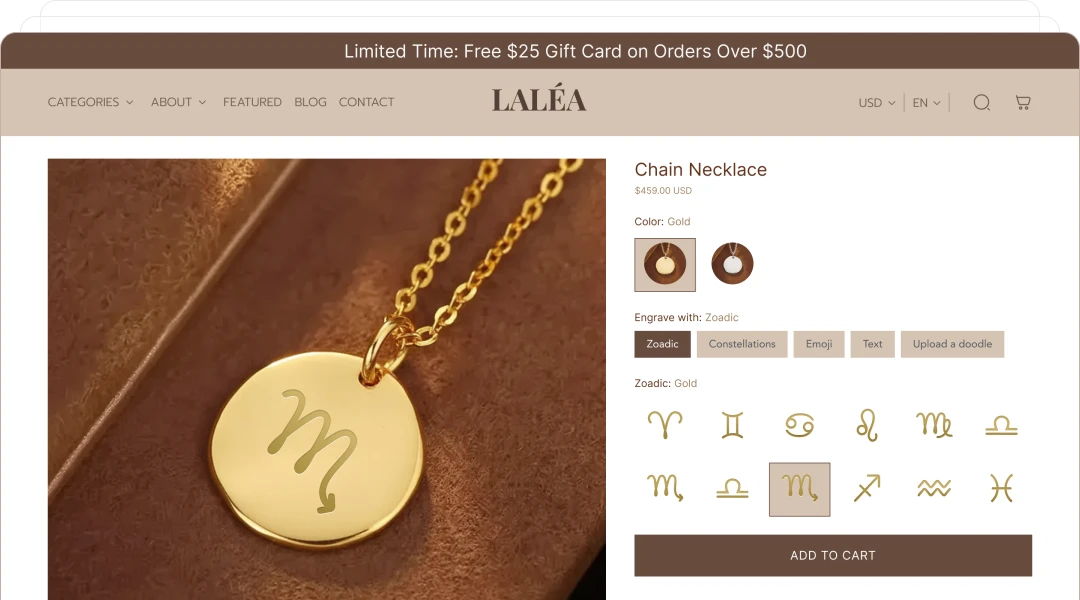
Pick a zodiac sign, choose chain length and metal, and preview the pendant before checkout.
Storefront display
Choose how much space the customization flow needs. Both modes support Live Preview and Multiple Views; the best choice depends on product complexity and theme layout.
Keep options directly on the product page for shorter configurations and immediate interaction. Inline placement depends more on the theme's product-gallery structure.
Keep the product page compact and move larger customization flows into a focused workspace. Popup uses the full screen on mobile and a fixed-size window on desktop.
Most apps only stack images in one spot. Podifai gives you two layout modes—so your preview matches how your product actually works.
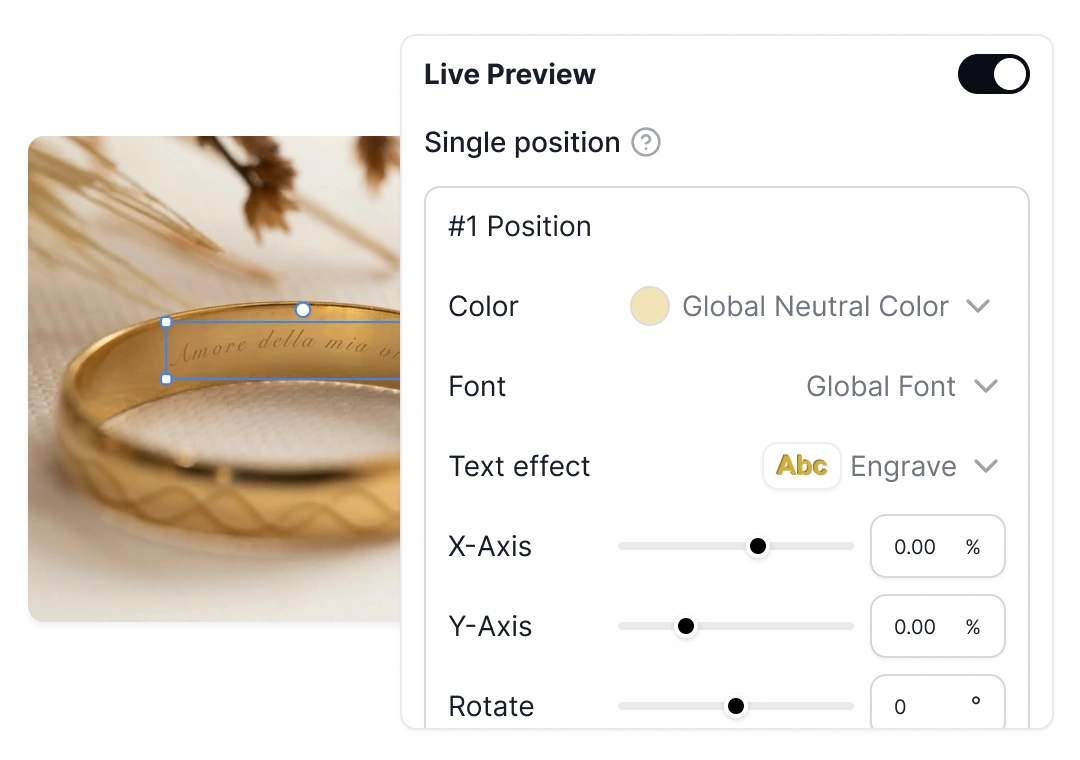
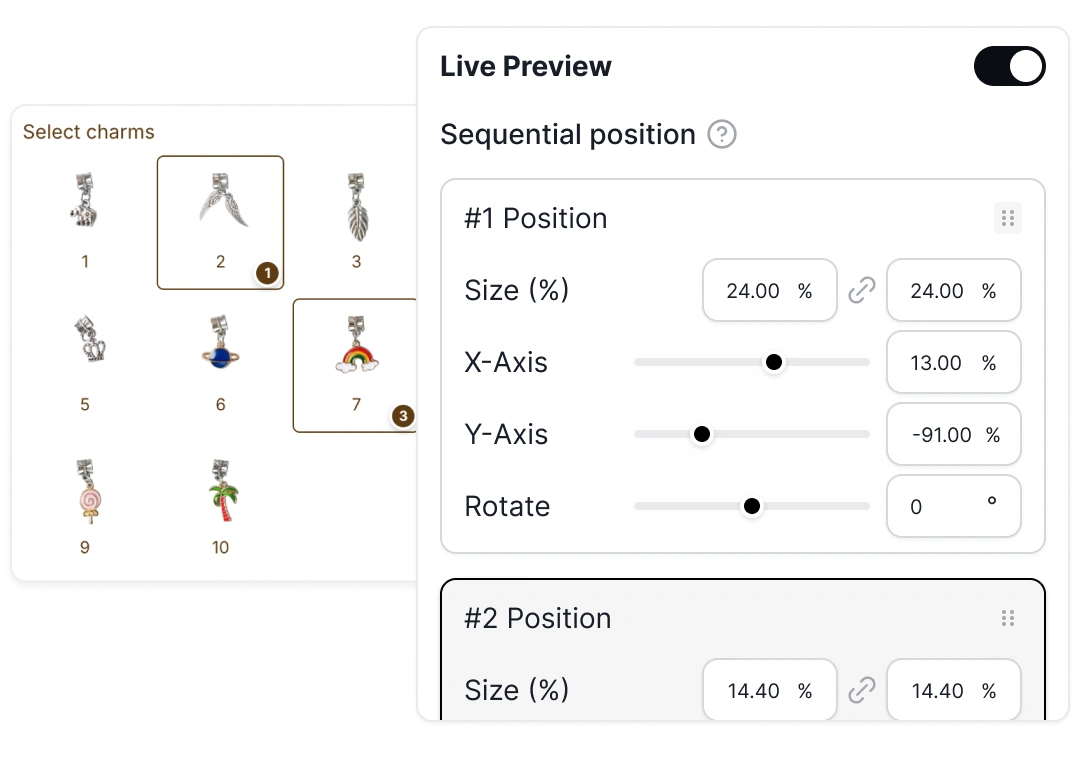
Each option maps to an image layer at a fixed position. Works for everything—charm builders, text engraving, embroidery, color swaps, material changes. The default mode for all live preview setups.
No duplicate options to build. Saves hours of setup for charm bracelets, multi-piece jewelry, and build-your-own products.
Variant-aware preview
When Shopify variants control a stocked look, Live Preview can follow the active variant image while keeping personalization layers aligned above it.
Storefront Image Editor
Start with a merchant-defined layout, then let shoppers move, resize, or rotate supported text and image layers.
Drag the selected layer to a new position.
Scale the layer with its size handles.
Match an angled or non-horizontal product area.
Customer-controlled cropping and fixed shape masking are not currently available. The editor changes the preview layer only.
Read the Storefront Image Editor guideAdvanced text
Combine styling with layout controls so names, messages, and monograms remain readable as input changes.
Preview names, messages, and engraving text along supported curves, then apply supported shadow styling.
This planned control will keep preview text inside a defined area as shopper input changes.
Align text inside the configured preview area for the product design.
Customer stories
See how merchants use visual previews for engraving, bespoke product choices, and embroidery while keeping production requirements explicit.
Leovia
See a guided engraving flow that combines shopper-facing visualization with a final human review before production.
Read customer story
Free for the first 1,000 Shopify stores. All features included.