Conditional logic. Cleaner pages. Smarter flows.
Show or hide options automatically based on what customers select, so every product page feels tailored, not overwhelming. No custom code, no theme hacks.

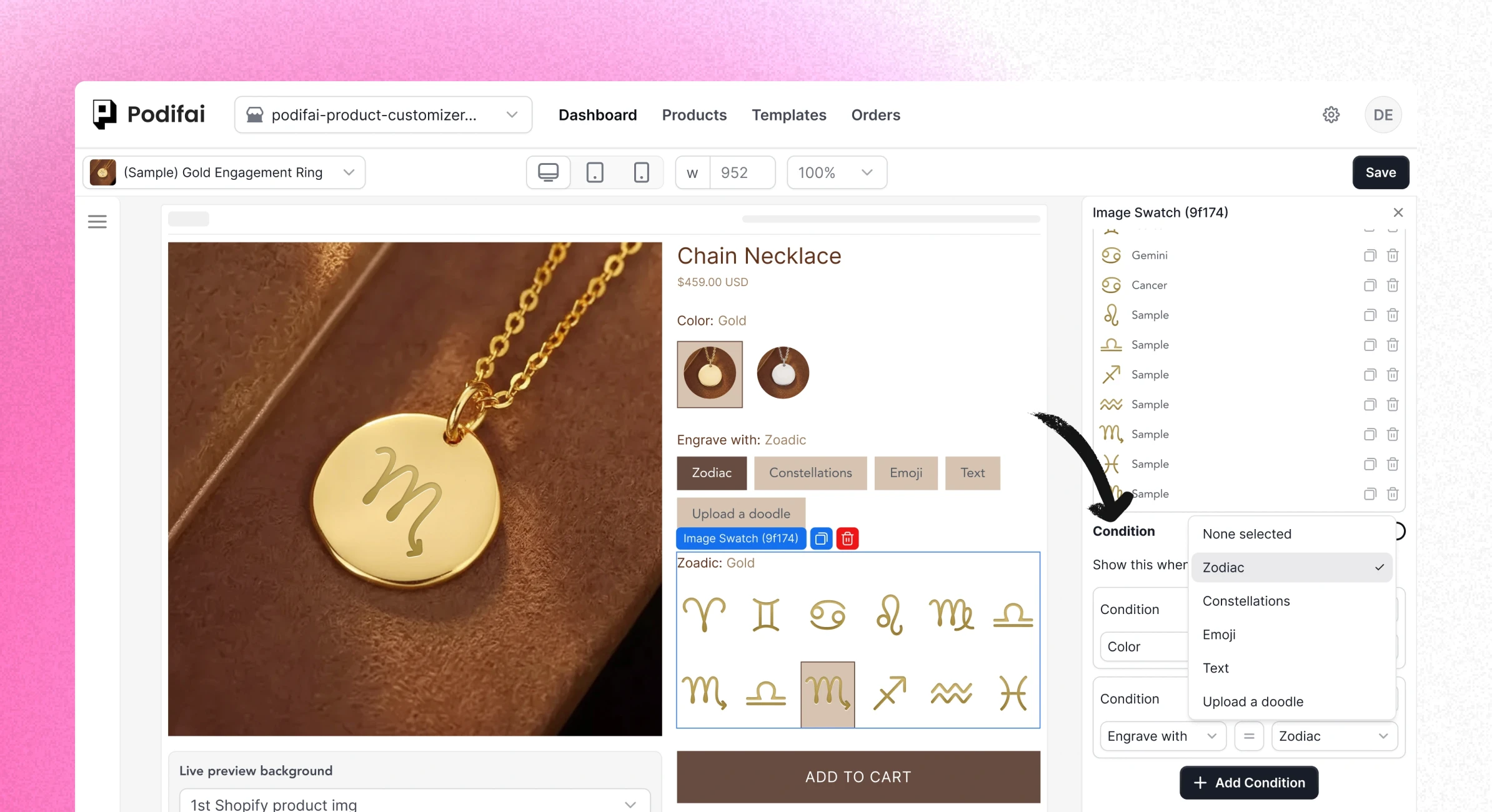
Guide every shopper down the right path.
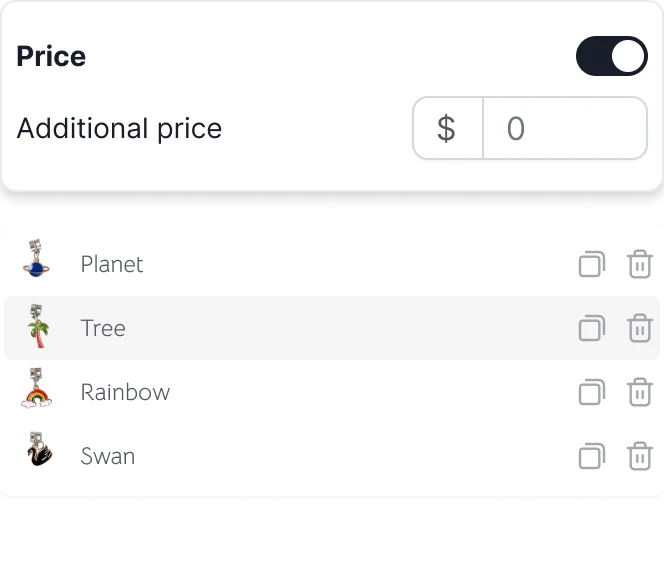
Real‑time option pricing syncs across product detail page, cart, and checkout, so customers always see the same total wherever they are.

Declutter your PDP
Hide advanced or optional fields until they’re needed, so customers only see the next logical step instead of a wall of inputs.
Declutter your PDP
Hide advanced or optional fields until they’re needed, so customers only see the next logical step instead of a wall of inputs.
Declutter your PDP
Hide advanced or optional fields until they’re needed, so customers only see the next logical step instead of a wall of inputs.

Faster, more accurate orders
Ensure customers only provide information for the features they’ve actually selected. No more chasing down buyers for missing details or clarifying conflicting choices.
Faster, more accurate orders
Ensure customers only provide information for the features they’ve actually selected. No more chasing down buyers for missing details or clarifying conflicting choices.
Faster, more accurate orders
Ensure customers only provide information for the features they’ve actually selected. No more chasing down buyers for missing details or clarifying conflicting choices.

No‑code rule builder
Create powerful rules in a visual editor. Choose the trigger option, set the condition, and decide which fields to show or hide. No Liquid edits or scripts required.
No‑code rule builder
Create powerful rules in a visual editor. Choose the trigger option, set the condition, and decide which fields to show or hide. No Liquid edits or scripts required.
No‑code rule builder
Create powerful rules in a visual editor. Choose the trigger option, set the condition, and decide which fields to show or hide. No Liquid edits or scripts required.
How it works
Set up conditional logic in minutes, not hours.
Step 1
Add a custom option set
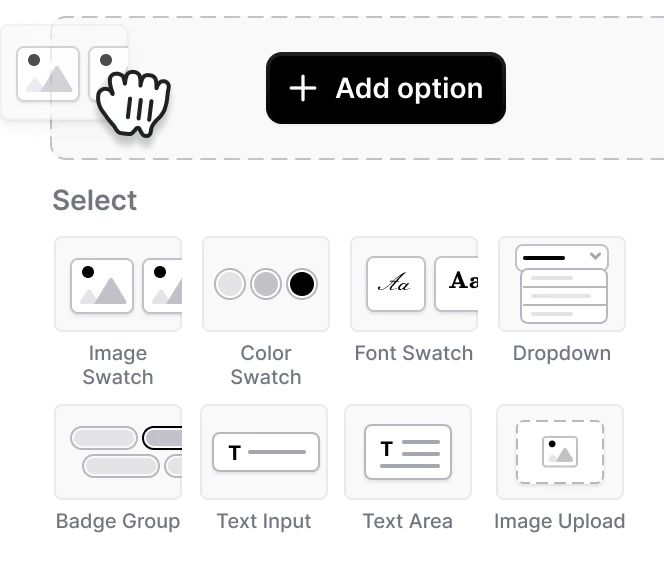
Select any product option (dropdown, swatch, or text) in Podifai.
Step 1
Add a custom option set
Select any product option (dropdown, swatch, or text) in Podifai.
Step 2
Create your rule
Highlight this option set, turn on conditions, then choose when to show it based on one or more matching options.
Step 2
Create your rule
Highlight this option set, turn on conditions, then choose when to show it based on one or more matching options.
Step 3
Save and go live
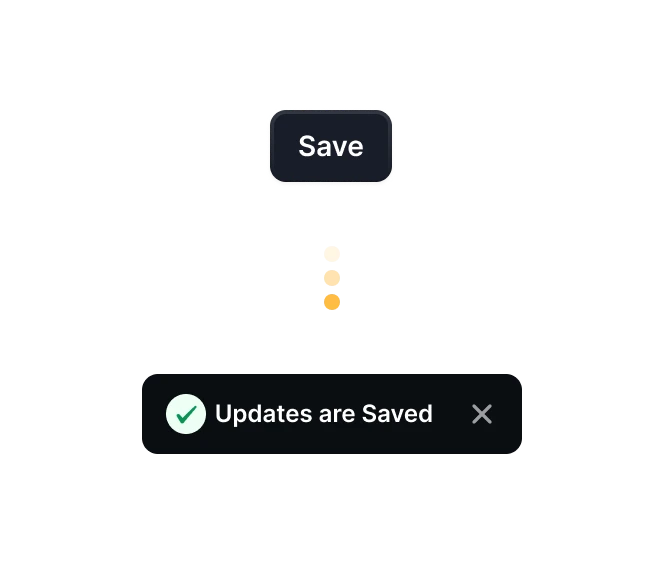
Podifai updates the product total automatically on your product page, cart, and checkout. No extra variants or code needed.

Start selling custom product now
73% of customers want personalized products. Don't let them shop elsewhere. Give them what they want, right on your site
Start selling custom product now
73% of customers want personalized products. Don't let them shop elsewhere. Give them what they want, right on your site
Start selling custom product now
73% of customers want personalized products. Don't let them shop elsewhere. Give them what they want, right on your site

Resources
Directory
Market Reports
Inspirations
© PODIFAI PTY LTD | All rights reserved | ABN: 37 673 179 694
Resources
Directory
Market Reports
Inspirations
© PODIFAI PTY LTD | All rights reserved | ABN: 37 673 179 694
Resources
Directory
Market Reports
Inspirations
© PODIFAI PTY LTD | All rights reserved | ABN: 37 673 179 694