Shopify Product Configurator: Complete Buyer's Guide (2026)
What a Shopify product configurator does, why it boosts conversions by 94%, and how to pick the best one for your store. Includes feature comparison table.
TL;DR — A step-by-step guide that walks you through the entire process. Follow these proven steps to get it done quickly — no technical skills required.
Shopify gives you 100 variants per product. That's it. If you're selling a customizable product—a ring with size, metal, and engraving options—you'll hit that ceiling before lunch. And then what? Create duplicate products? Use workarounds that break your inventory tracking?
A Shopify product configurator solves this by handling customization logic outside Shopify's variant system. Customers pick their options, see a live preview, and checkout—while you keep your sanity and your product catalog clean.
This guide covers what product configurators actually do, why they matter for conversion rates, and how to evaluate which one fits your store. No fluff, no feature dumps—just what you need to make a decision.
What is a product configurator?
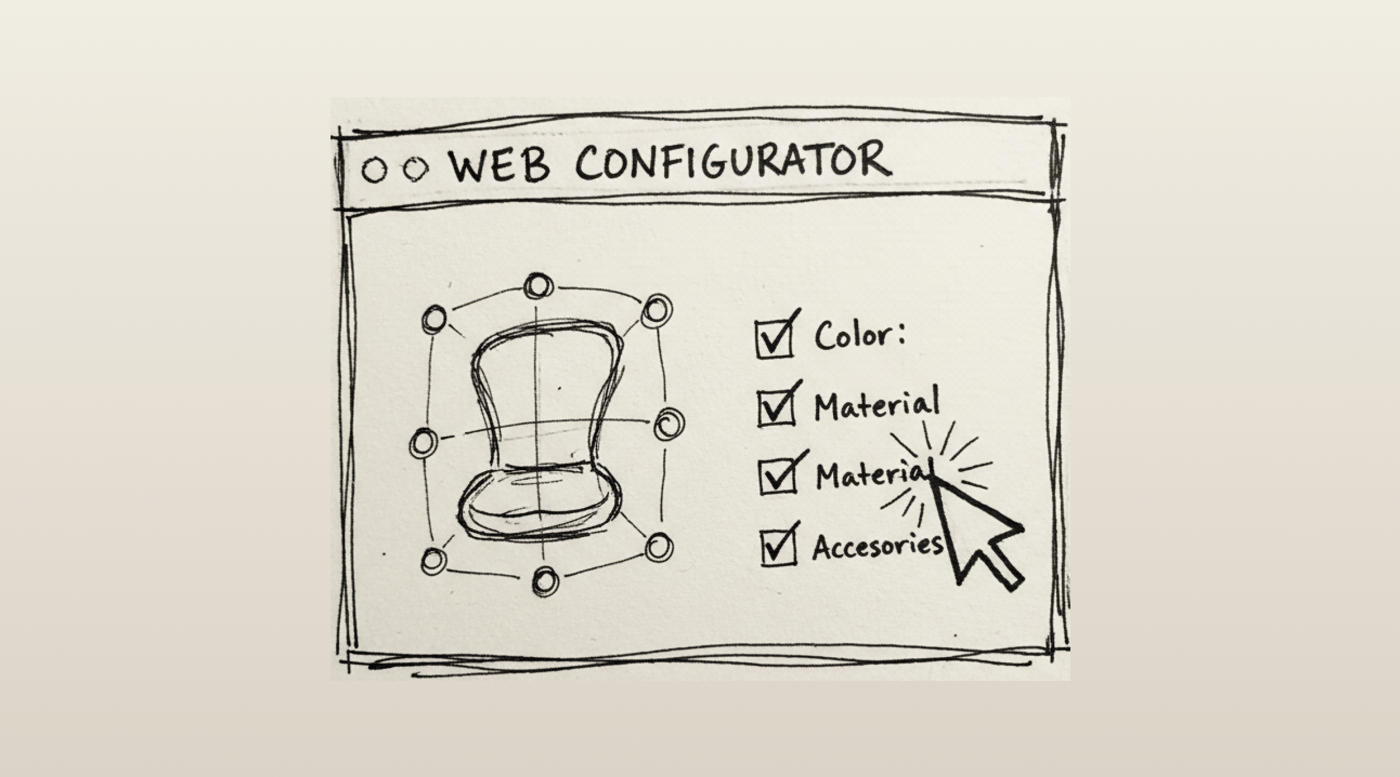
A product configurator is software that lets customers modify a product during the buying process. They select options—color, size, text, images, materials—and the configurator shows them exactly what they'll get. Price updates in real time. The customized specs flow through to your order.
The key difference from Shopify's native variants: configurators don't create a SKU for every possible combination. A three-option product with 10 choices each would need 1,000 variants in Shopify's system. A configurator handles that with zero variants.
Product customizer apps vs. configurators
These terms get used interchangeably, but there's a practical difference. Product customizer apps add dropdowns, checkboxes, and text fields to your product page. Configurators do that plus visual feedback—live previews, 3D views, or at minimum a dynamic image showing the customer's selections.
That visual component matters more than most merchants realize.
Why live preview increases sales
The numbers are surprisingly consistent across studies. Merchants adding 3D configurators see conversion increases averaging 94%. Even basic 2D preview configurators show meaningful lifts. (Source: Shopify, 2024)
Why? Two reasons:
Reduced uncertainty. When customers can see exactly what they're buying, they hesitate less. AR visualizations alone decrease return rates by 22% according to industry data. Fewer returns mean better margins and fewer headaches. (Source: Build.com (case study), 2024)
Increased investment. Research from Webmakers shows that customers value products more when they've participated in creating them. Time spent customizing increases emotional investment. That investment converts to purchases.
Deloitte's research found personalization increases conversion rates by up to 45% and boosts engagement by 50%. When customers design something themselves, they're buying their creation—not just a product. (Source: Deloitte, Personalizing Growth, 2024)
Industry baseline
Average ecommerce conversion rates sit between 2.5% and 3% globally in 2025. For context, food and beverage leads at 6.11% (impulse purchases), while luxury goods convert at just 1.19% (extensive research cycles). (Source: Multiple (eMarketer, Shopify, Statista), 2025)
Where does your store fall? If you're selling customizable products without a configurator, you're likely leaving significant revenue on the table.
Features that actually matter
Every configurator app lists dozens of features. Most won't affect your business. Here's what actually matters:
Live preview quality
This is the whole point. Can customers see their customization clearly? Test the preview on mobile—that's where most shopping happens, and where most configurators fall apart.
A configurator that looks great on desktop but shows a tiny, unzoomable preview on mobile isn't worth installing.
Conditional logic
You might need certain options to appear only when other options are selected. Example: font style options that only show up after the customer enables engraving. Without conditional logic, you're stuck showing every option to every customer, which creates confusion and decision fatigue.
Price calculation
If customizations add cost, the price needs to update instantly. Customers shouldn't have to reach checkout to discover the real total. That's a recipe for cart abandonment—and 23% of abandoned carts come from overly complicated processes. (Source: Baymard Institute, 2025)
Theme integration
Does the configurator play nice with your theme? Your fulfillment workflow? Your print-on-demand provider?
Some configurators require manual code changes to your theme. Others use Shopify's theme app extensions for cleaner installation. The second type is almost always better—less risk of breaking things, easier to uninstall if needed.
How to evaluate a configurator for your store
Start with your product complexity
A jewelry store offering ring size, metal, stone, and engraving needs different capabilities than an apparel brand adding monograms to t-shirts.
Simple text and image personalization? Most mid-tier apps handle this well. Complex multi-component products with dependencies between options? You'll need robust conditional logic and possibly 3D visualization.
Check the pricing model
Monthly subscription is standard, but watch for:
- Transaction fees on customized orders
- Limits on number of products or customizations
- Preview rendering limits
- Feature tiers that lock essential functionality
A $19/month app that charges transaction fees can cost more than a $99/month app that doesn't. Do the math with your actual order volume.
Test customer support before committing
Install during a free trial and intentionally ask support a specific question about your use case. Response time and quality tell you what you'll experience when something breaks at 2am before a holiday sale.
Top apps are vetted for customer service quality, but your mileage varies based on plan level and timing.
Mobile experience is non-negotiable
Over half your traffic is mobile. Load the demo on your phone. Try completing a customization with one thumb while walking. If it's frustrating, your customers will bail.
What about 3D and AR?
3D configurators let customers rotate products and view them from any angle. AR (augmented reality) goes further—customers can see products in their actual space using their phone camera.
The conversion impact is real. But 3D requires 3D models of your products, which means additional cost and time to create. For some stores—furniture, complex products, high-ticket items—it's worth it. For a simple engraved bracelet? Probably not.
Start with 2D preview that works well. Graduate to 3D when your volume justifies the investment.
Setting up for success
Once you've picked a configurator, setup quality matters as much as the tool itself.
Write clear instructions
Don't assume customers understand customization rules. Building trust through transparent customization rules reduces support questions and returns. Add examples, show what different options look like, explain any limitations upfront.
Plan your fulfillment flow
Customization data needs to reach whoever's making the product. Test the entire process from order to fulfillment before going live. A beautiful configurator that sends garbled data to your production team creates expensive problems.
Start small
Launch with one or two products rather than your entire catalog. Iron out issues at low volume. Then scale.
Pick the right tool
There's no universally "best" configurator. There's only best for your specific products, price point, technical comfort, and growth plans.
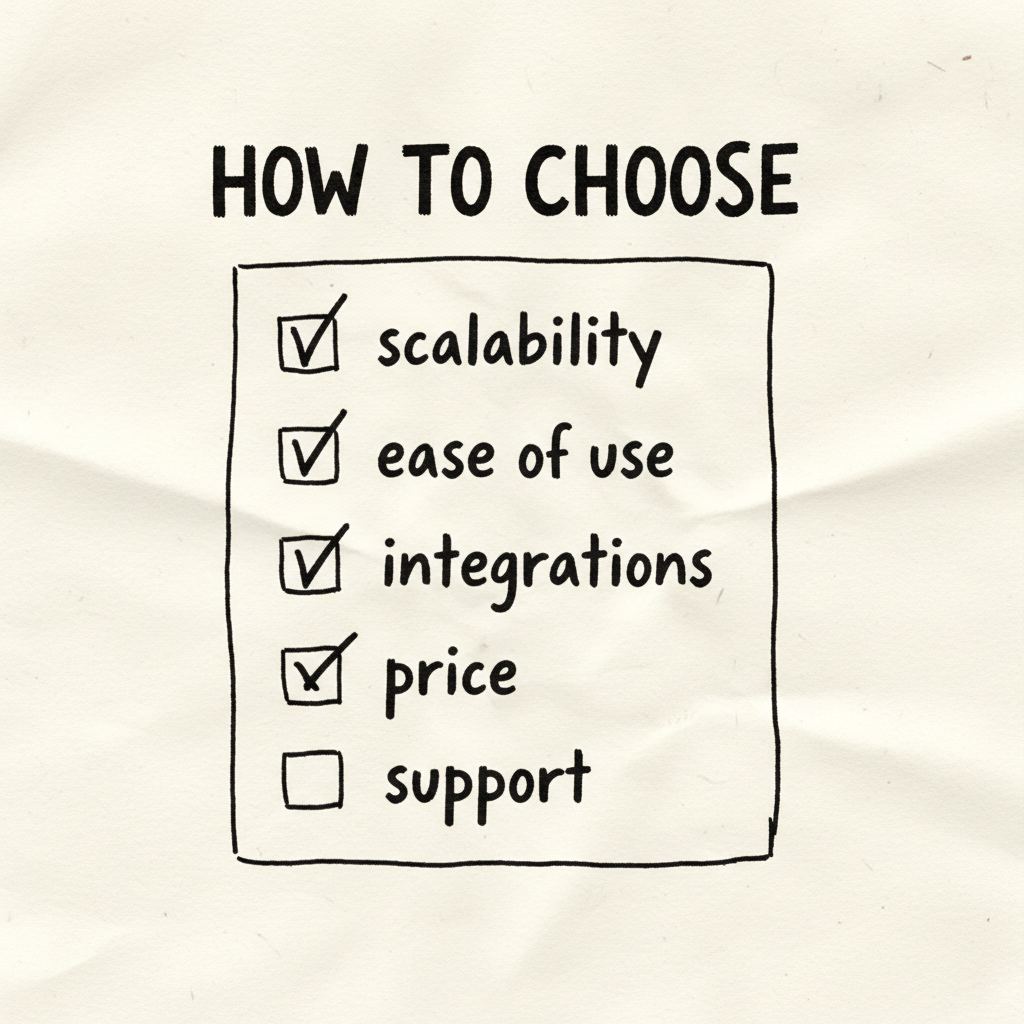
The evaluation framework: Does it handle your customization complexity? Does the preview look good on mobile? Can you afford it at your order volume? Does support respond helpfully?
Get those four right, and the specific app matters less than you'd think.
That's the whole trick.
📚 Related Articles
- 15 Best Product Configurator Examples with Live Preview 2026
- Why Real-Time Product Preview Boosts Customer Confidence
- Why A/B Testing Custom Options Is Key to Conversions
- 7 Ways Personalization Can Increase Your Shopify Store's Average Order Value
Before choosing a product configurator, check which theme your store uses — theme compatibility matters. Try our Free Shopify Theme Detector to identify your theme instantly.
Frequently Asked Questions
What is a Shopify product configurator?
A Shopify product configurator is an app that lets customers visually customize products before purchasing — choosing colors, materials, text, images, and more with a live preview. It replaces static variant dropdowns with an interactive design experience.
How much does a Shopify product configurator cost?
Prices range from free (basic options like Shopify's native variants) to $20-100/month for full-featured configurators with live preview. Podifai is free for the first 1,000 stores — forever free for early believers, with all features included and no per-transaction fees. Other apps like Customily and Kickflip charge $19-99/month plus transaction fees.
Do I need a developer to set up a product configurator?
No — modern configurator apps like Podifai offer no-code setup. Upload product images, define customization areas, set options, and publish. Most merchants complete setup in 1-2 hours without any coding. Developer help is only needed for highly custom integrations.
What's the difference between Shopify variants and a product configurator?
Shopify variants are limited to 3 options with 100 combinations max, shown as dropdowns. A product configurator offers unlimited options with live visual preview, image uploads, text input, conditional logic, and real-time pricing — a completely different experience.
Which product configurator is best for Shopify in 2026?
The best choice depends on your needs. For ease of use with live preview: Podifai. For complex conditional logic: Customily. For 3D configurators: Kickflip or Zakeke. Compare features, pricing, and reviews for your specific product type before deciding.